






Description
Download ZenMate VPN – Virtual Private Network, Secure Internet, Anonymous Browsing, Global Access, Fast Connection
Overview
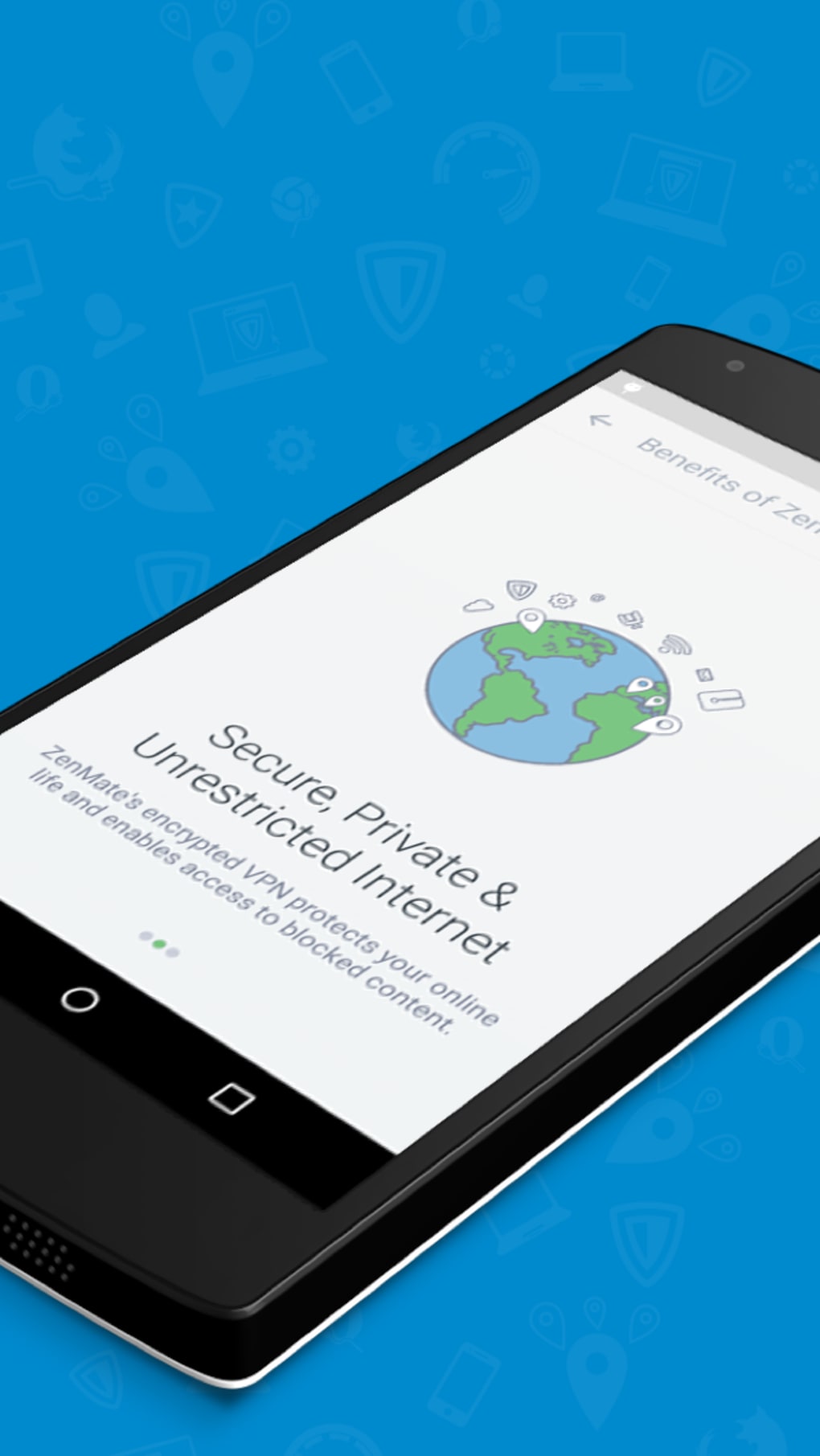
ZenMate VPN is a proprietary virtual private network (VPN) software designed to enhance online privacy and security for users across multiple devices. Its primary function is to mask a user’s real IP address by routing internet traffic through a global network of servers, enabling anonymous browsing and secure data transmission. This makes it particularly useful for individuals seeking to protect their digital footprint, access geo-restricted content, or download media and files that may be blocked in certain regions. The software targets a broad audience, including privacy-conscious consumers, remote workers, and travelers who require secure internet access on public networks.
Developed in 2016, ZenMate VPN has gained traction with over 35 million downloads reported by the developers. It is available on multiple platforms, including Windows, Mac, Android, and iOS, allowing seamless cross-device functionality. The software operates as a desktop application and mobile utility, offering users consistent performance regardless of their device. While specific details about the development team are not provided, the product’s long-standing presence in the market suggests a mature and stable offering. Real-world usage scenarios include accessing region-locked streaming services, safeguarding sensitive information on public Wi-Fi, and bypassing censorship in restricted areas.
Key Features & Capabilities
- IP Address Masking – ZenMate replaces the user’s real IP address with one from its global server network, making it extremely difficult for third parties to trace online activity or determine the user’s physical location.
- High-Level Encryption – The software employs strong encryption protocols to secure all transmitted data, ensuring that sensitive information remains protected from interception or unauthorized access.
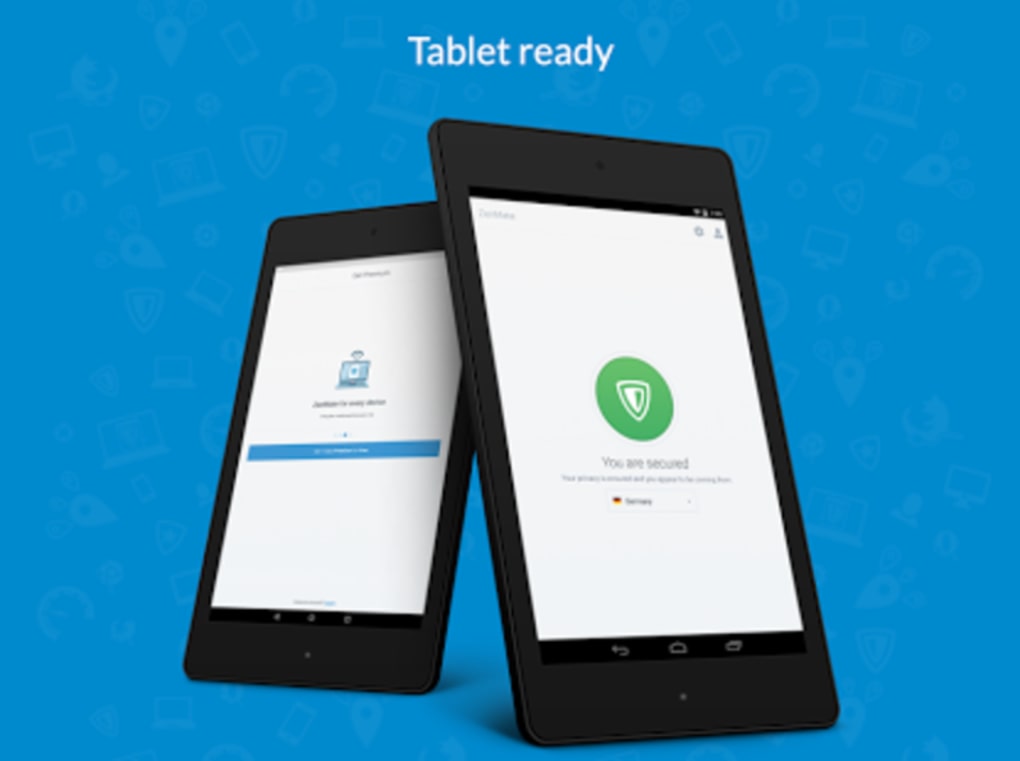
- Multi-Device Support – Users can install and run ZenMate VPN across smartphones, tablets, and laptops, maintaining consistent privacy protection across all devices.
- Zero-Logging Policy – The developers claim that no user activity, connection logs, or personal data are recorded or stored, reinforcing the software’s commitment to user privacy.
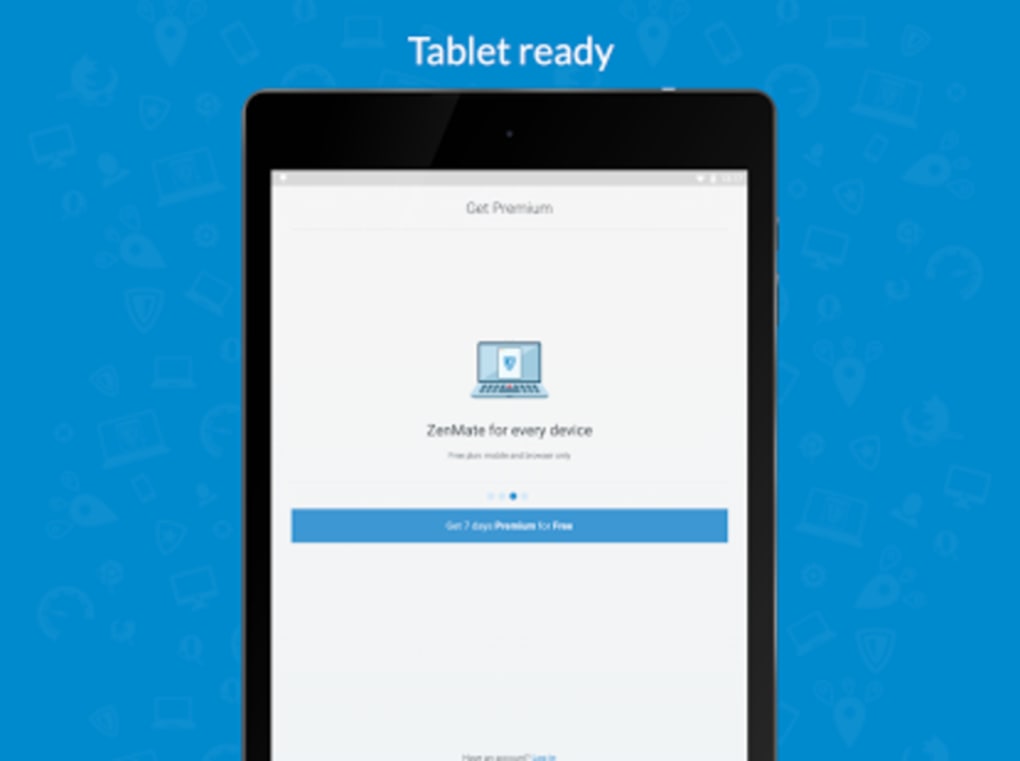
- Free Trial Access – A seven-day trial is available, allowing users to test the full suite of features before committing to a monthly or yearly subscription.
These features enable practical use cases such as securely accessing corporate networks from remote locations, streaming international content without restrictions, and protecting personal data when connecting to public Wi-Fi hotspots. The ability to switch between servers in different countries also supports users who need to appear as if they are browsing from another region.
User Interface, Workflow & Performance
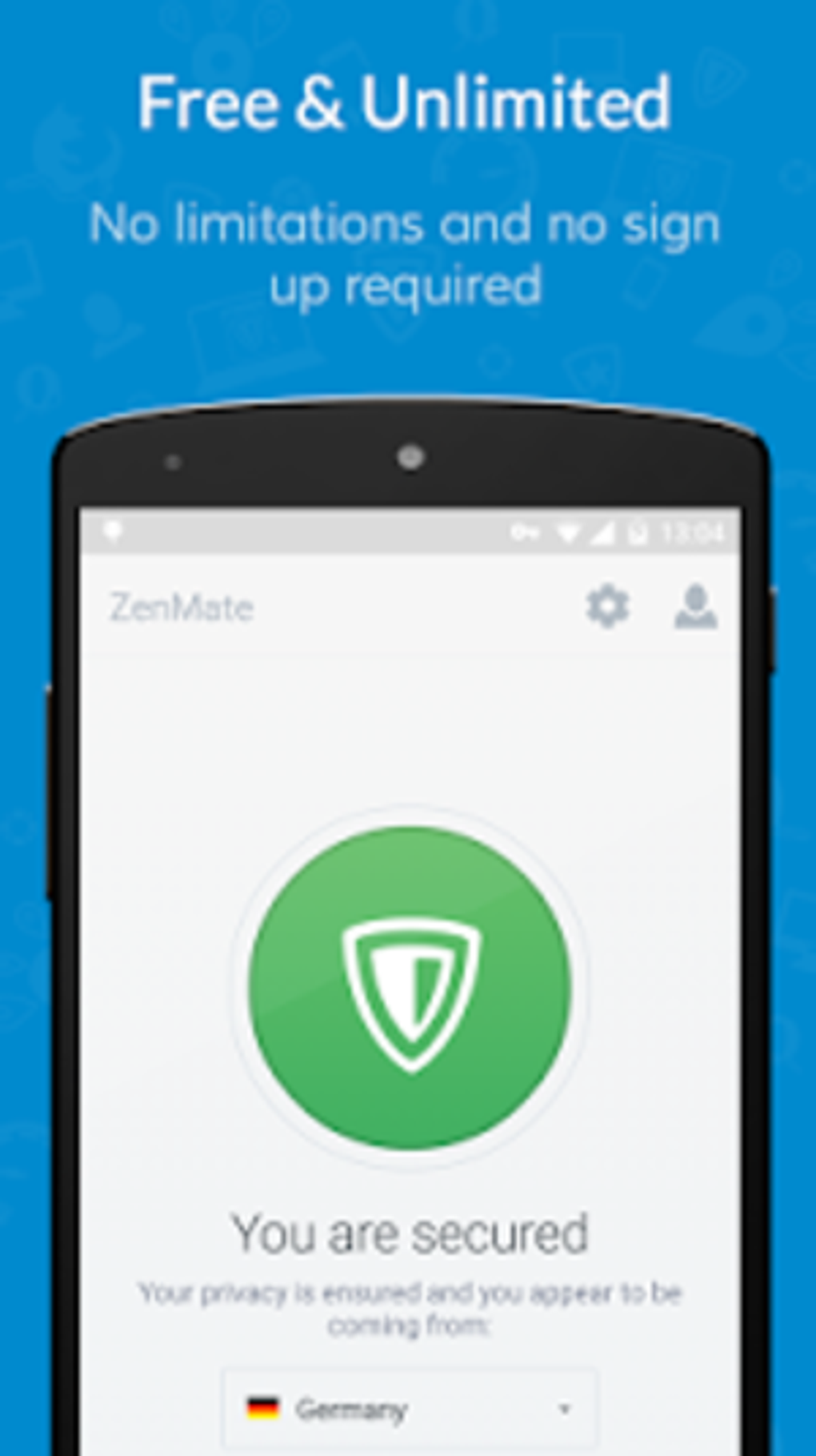
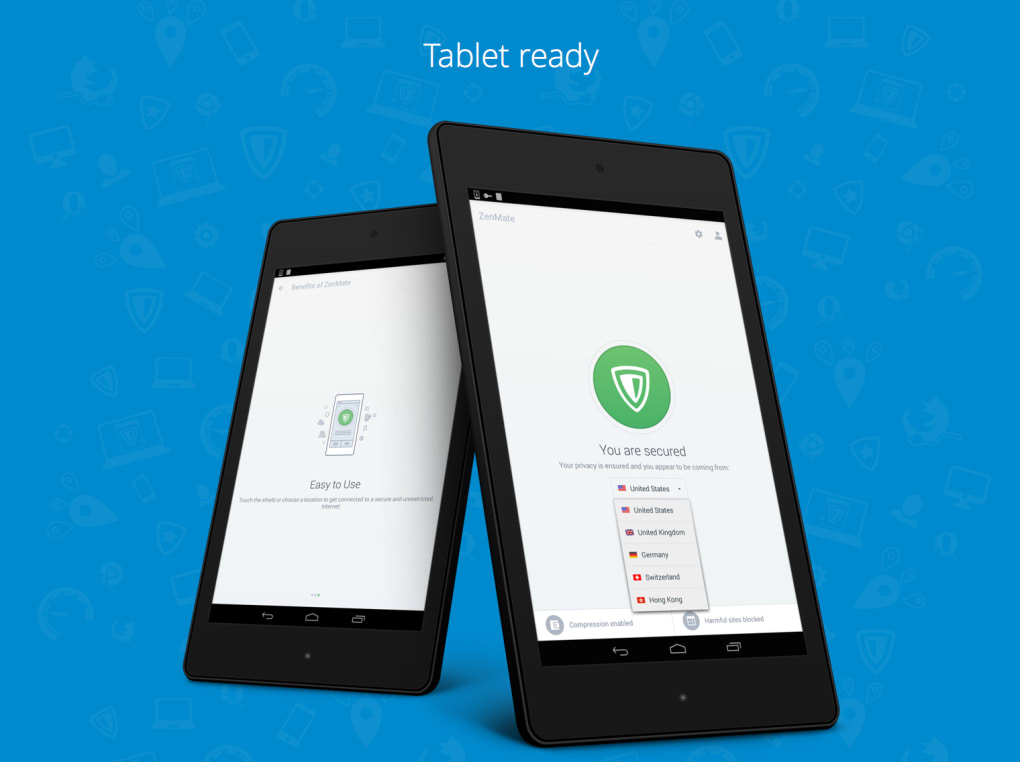
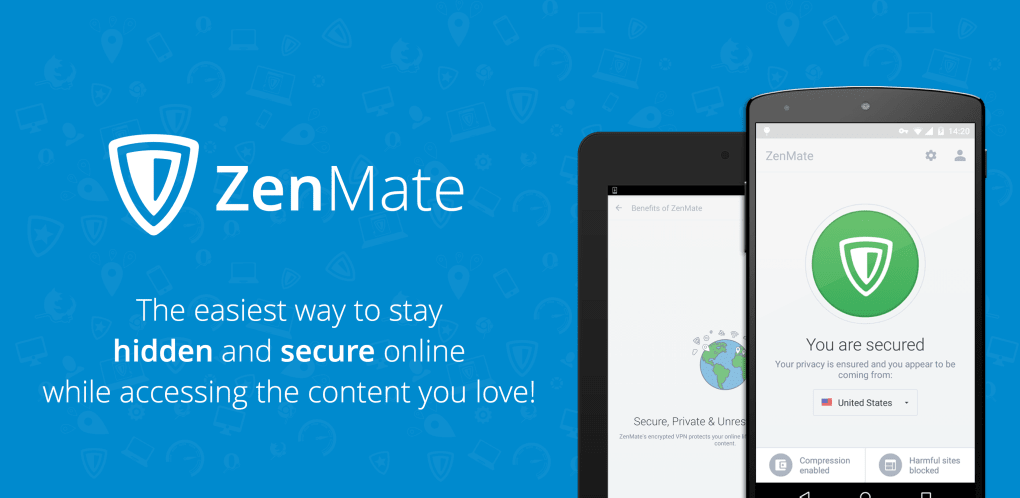
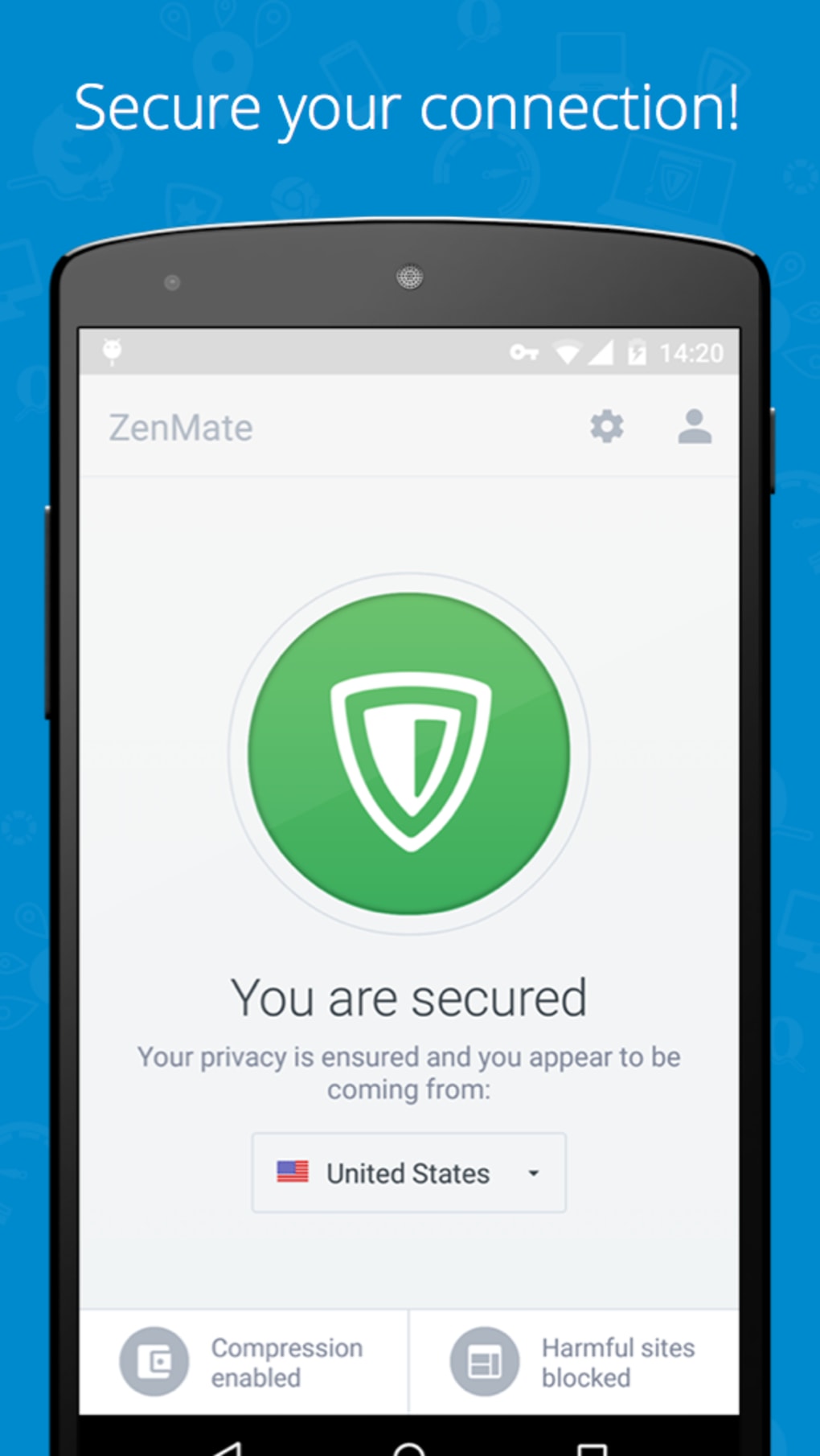
ZenMate VPN features a clean, intuitive interface designed for ease of use across both desktop and mobile platforms. The main dashboard displays server locations, connection status, and quick-connect options, allowing users to establish a secure connection with minimal steps. Navigation is straightforward, with clearly labeled buttons for connecting, disconnecting, and selecting different server regions.
Workflow efficiency is enhanced by automatic connection settings and a one-tap "Quick Connect" feature that selects the optimal server based on speed and location. The software integrates seamlessly into the system tray on Windows and the menu bar on Mac, ensuring minimal disruption during use. While exact performance metrics such as CPU or RAM usage were not specified, the application’s 29.3 MB file size suggests a lightweight footprint. The developer did not provide additional system requirements or performance benchmarks, but general software behavior indicates stable operation under normal conditions.
Compatibility & System Requirements
ZenMate VPN is compatible with Windows, Mac, Android, and iOS operating systems. The current version is 4.1.3, and the installation size is 29.3 megabytes. The developer did not specify exact system requirements, such as minimum RAM, processor speed, or disk space. Platform compatibility information is limited to the supported OS types, with no details on older or less common configurations. Users should ensure their device meets standard requirements for running modern desktop and mobile applications. The developer did not provide information on compatibility with legacy systems or enterprise environments.
Pros and Cons
Pros
- Offers a free seven-day trial for full feature access
- Supports multiple platforms including Windows, Mac, Android, and iOS
- Provides strong encryption and a zero-logging policy
- Enables access to geo-restricted content and services
- Lightweight installation size of 29.3 MB
Cons
- Free trial is limited to seven days
- Exact system requirements were not listed
- Performance details such as speed or resource usage were not provided
- Subscription required after trial period
- Limited information on server network size or distribution
FAQ Section
Is ZenMate VPN compatible with Windows and Mac?
Yes, ZenMate VPN is available for both Windows and Mac operating systems, allowing users to install and run the software on desktop devices.
Is the software secure to use?
ZenMate VPN uses high-level encryption to protect user data and claims to follow a zero-logging policy, meaning no user activity is recorded or stored.
Can I use ZenMate VPN on multiple devices?
Yes, the software supports installation and use across multiple devices, including smartphones, tablets, and laptops, across different platforms.
What happens after the free trial ends?
After the seven-day free trial, users must subscribe to a monthly or yearly plan to continue using the full features of ZenMate VPN.
Is ZenMate VPN available for offline use?
Once installed, ZenMate VPN can be used offline in terms of launching the application, but an active internet connection is required to establish a secure connection through the VPN network.
Final Thoughts
ZenMate VPN stands out as a reliable solution for users seeking enhanced online privacy, secure browsing, and unrestricted access to global content. Its multi-platform support, strong encryption, and zero-logging policy make it a solid choice for both casual and professional users. The seven-day free trial allows potential users to test the software’s performance and features without financial commitment. While some technical details such as system requirements and performance metrics are not publicly available, the software’s lightweight design and broad compatibility suggest it will run efficiently on most modern devices. For individuals prioritizing digital security and freedom online, ZenMate VPN delivers a practical and accessible tool.
Download ZenMate VPN now
Guides & Tutorials for ZenMate VPN
How to install ZenMate VPN
- Click the Preview / Download button above.
- Once redirected, accept the terms and click Install.
- Wait for the ZenMate VPN download to finish on your device.
How to use ZenMate VPN
This software is primarily used for its core features described above. Open the app after installation to explore its capabilities.
User Reviews for ZenMate VPN 0
No reviews found





